Step 1 — Booking page
A branded opt-in page with the Systeme.io Calendar module: visitors choose a date and time, enter their details and complete their booking.
 VÄIKE STUDIO
A calm first step toward your next appointment.
A fully editable two-page scheduling flow for therapists, psychotherapists, psychologists, emotional wellness coaches and mental health professionals — without coding.
A soft, refined aesthetic, warm neutrals and a guided structure help clients schedule with confidence. Customize the text and colors, connect your Systeme.io Calendar event and make the booking experience your own.
Digital download. Includes a two-page funnel and step-by-step PDF setup instructions. A Systeme.io account is required.
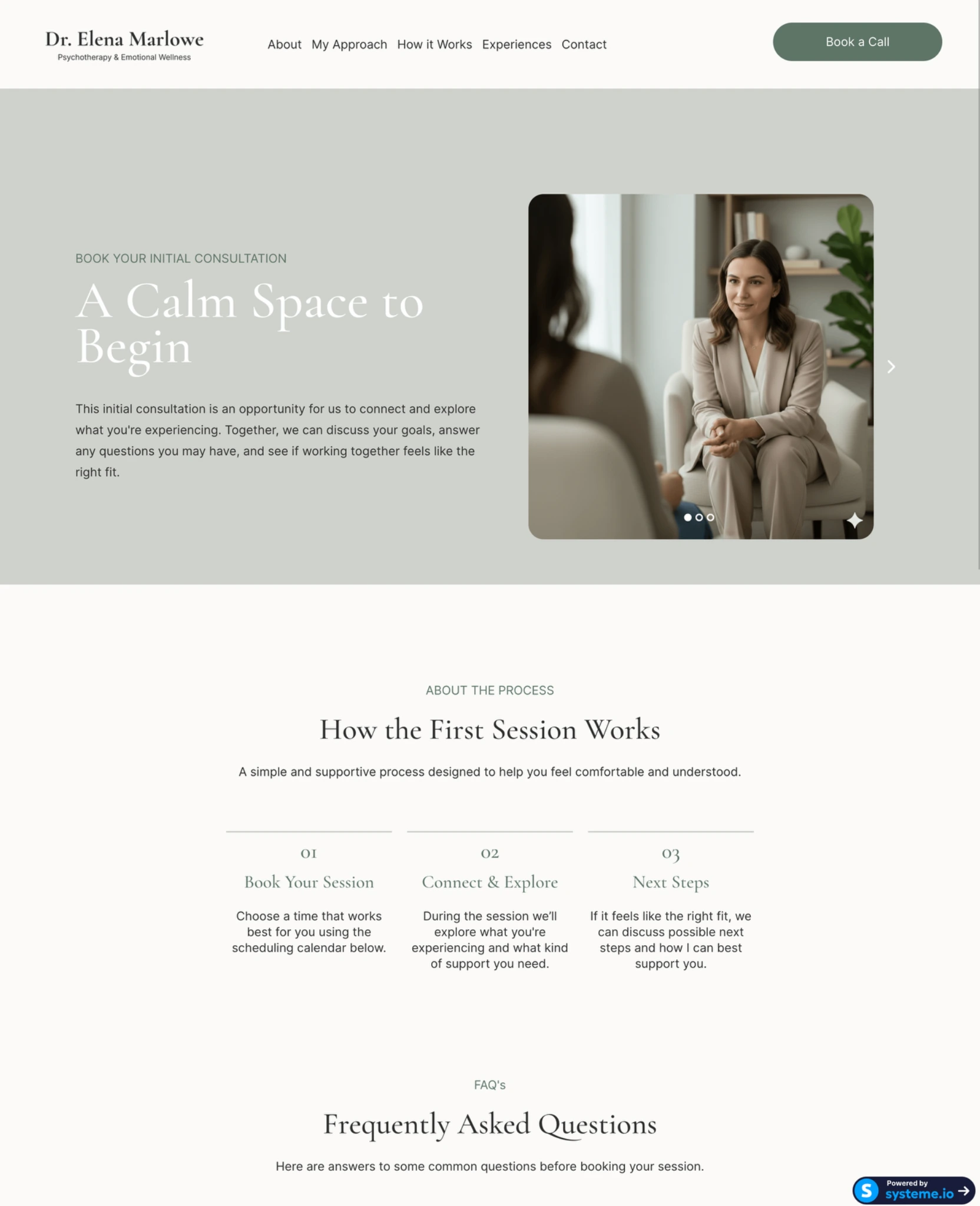
A branded opt-in page with the Systeme.io Calendar module: visitors choose a date and time, enter their details and complete their booking.
A clean Thank You page with “What happens next” guidance to set expectations and reassure clients after scheduling.
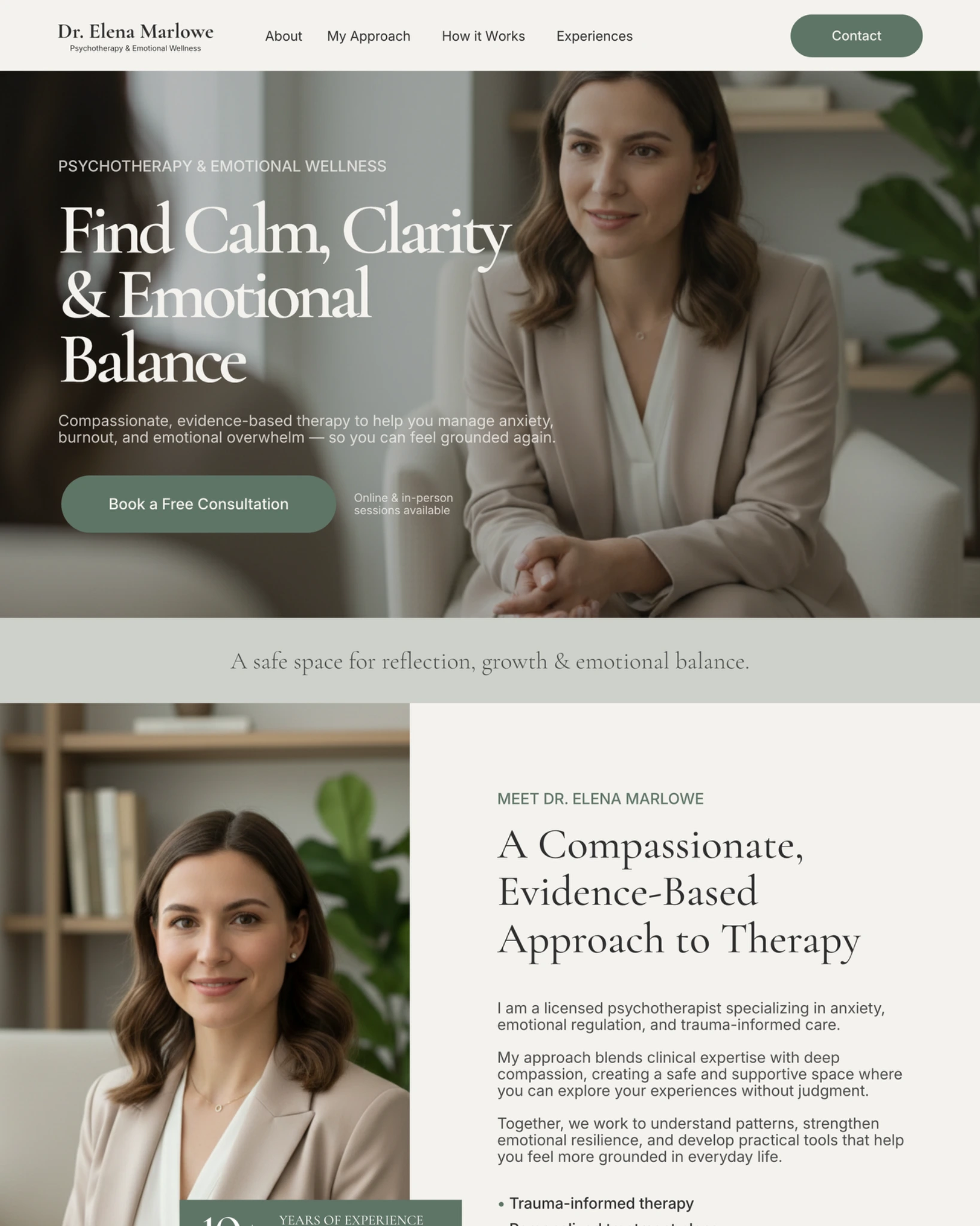
Combine this funnel with our Psychotherapy & Emotional Wellness Canva Website Template: present your services on a calm, strategic one-page website, then guide visitors into a branded scheduling flow in Systeme.io.
The Canva website is a separate product and is not included with this booking funnel.
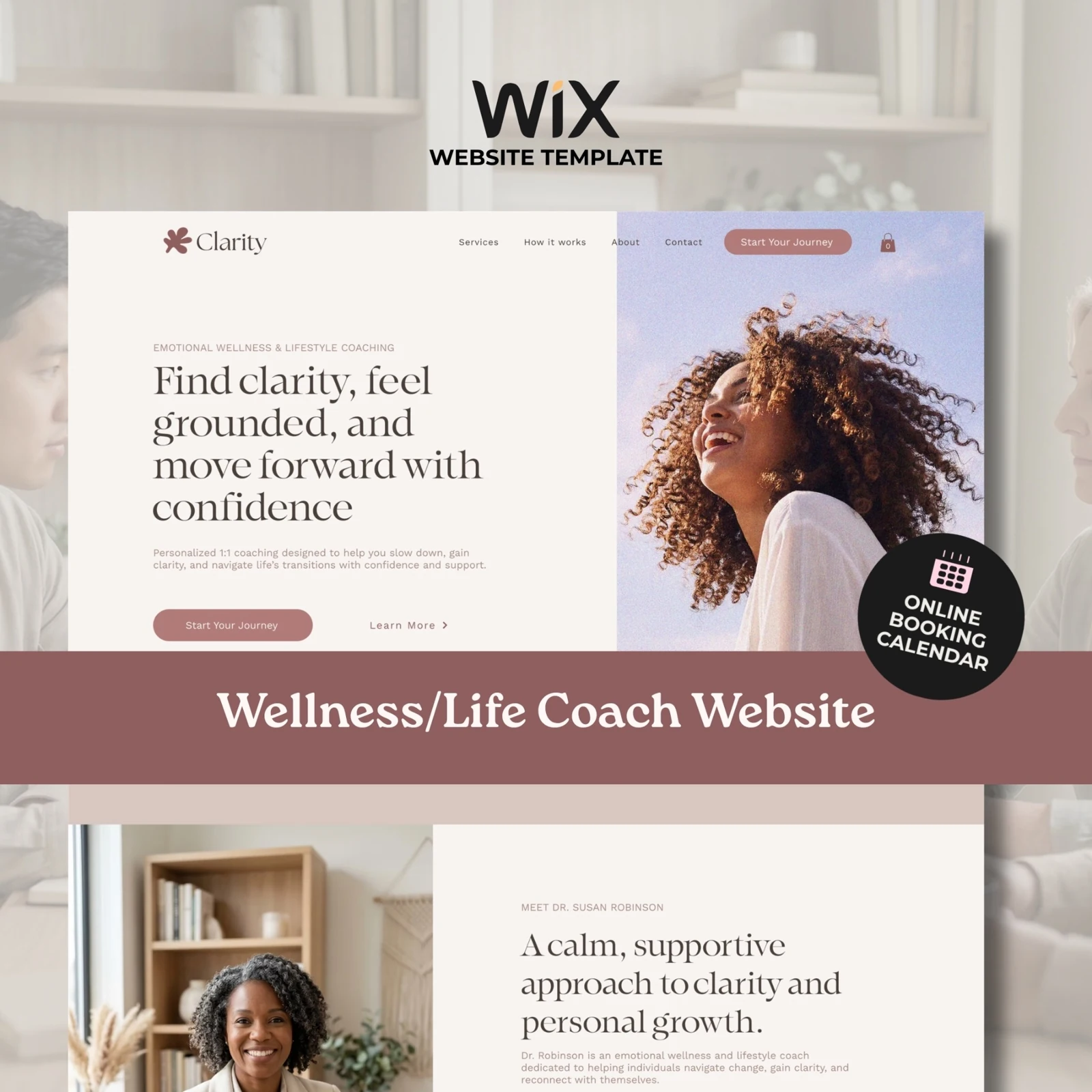
You can also connect the funnel to an existing WordPress, Wix, Squarespace or other website, or share it as a standalone booking page link.
Review the features and limits of your selected Systeme.io plan before publishing.
Complete your purchase through Etsy.
Go to Your Account → Purchases and Reviews → Download Files in a web browser, then follow the setup instructions.
Create or select your event in Systeme.io → CRM → Calendar and connect it to the booking module.
Edit colors, fonts, text and layout to match your practice.
Set the scheduler redirect to the included confirmation page.
Test the complete booking journey, publish your funnel and start sharing your booking link.
For the best editing experience, use Systeme.io on a desktop or laptop.
Please read the full digital product description carefully before purchasing. Questions about setup, requirements or licensing? Contact Väike Studio through Etsy before buying — we’re happy to help.
Start with a thoughtful scheduling flow. Add your branding, connect your calendar and welcome your next client.
Let Väike Studio customize it for your brand. Explore our design services and tell us what you have in mind.